
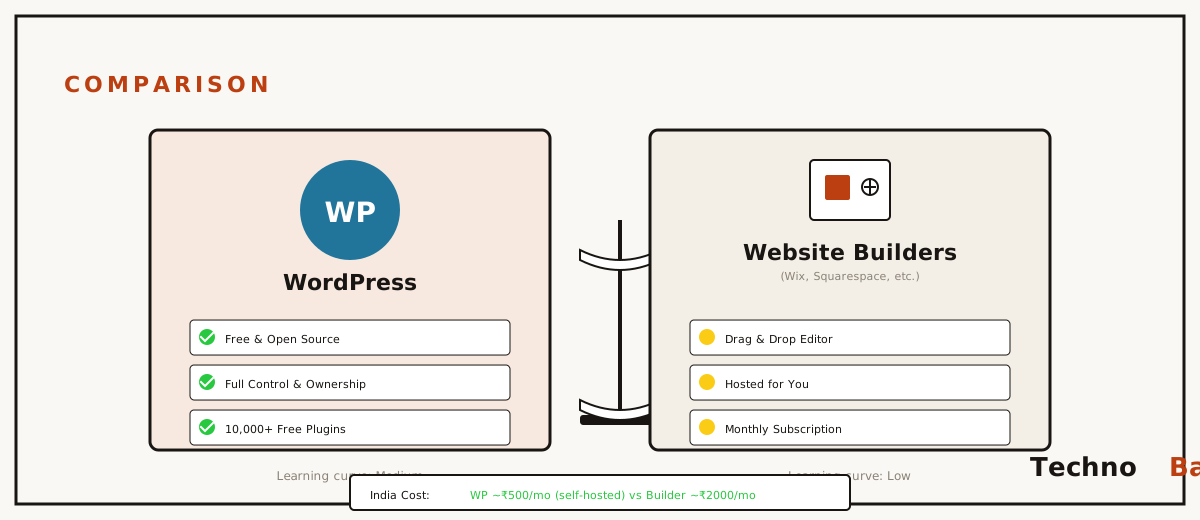
Most people asking this question have already decided, they just want someone to confirm it. So I’ll be blunt. If you’re going to publish anything regularly, use WordPress. If you want a site live by dinner and never want to think about it again, use a builder. Two friends asked me this same week last Diwali, one runs a bakery on Boring Road, the other writes about cricket, and they’d each been handed half the truth. “Just use Wix.” “Real websites use WordPress.” Both true, both useless on their own. After six years building on both, here’s the rest, in rupees, on Indian internet.
the short version
Go with a website builder if your site is small, mostly sits still, and your time matters more to you than a monthly fee. A clinic’s info page. A wedding site. That kind of thing. Reach for WordPress if you’re running a blog, anything content-heavy, or a business you actually expect to grow, because over time it costs less and nobody can lock you out of your own work. Never built any of this before? My complete beginner’s guide to building a website in India covers the whole thing either way.
what a builder actually hands you
Builders, Wix and Squarespace, plus the ones Hostinger India and GoDaddy India bundle, sell you a sealed tin: hosting, templates, editor, support, one subscription. You drag boxes around in the browser and the live site mostly matches the preview. That’s worth something. My bakery friend had hers up in an evening, menu photos and all, and she never once asked me a technical question.
Here’s the part nobody mentions up front. The meter keeps running. Wix plans you’d actually use sit around ₹250 to ₹500 a month on yearly billing, and the day you stop paying, the site’s gone. Not exported. Not handed back in any usable shape. Just gone. You can’t move a Wix site elsewhere either, because it only runs on Wix’s machines. Think of it like a restaurant that cooks you a lovely meal but won’t give you the recipe, you eat well as long as you keep coming back. That’s the trade for the convenience, and they’re upfront about it, more or less.
where builders genuinely win
- Zero maintenance. No updates, no plugins to patch, no renewals to remember.
- Speed to launch, a presentable site in two to four hours, honestly.
- One bill, and one number to call when it breaks.
what WordPress actually hands you
Something trips up roughly half the people I talk to, so let’s clear it first. WordPress.org is the free software you install on hosting you rent. WordPress.com is a paid company that runs that software for you. When somebody says “WordPress is free,” they mean the .org one. You’re still paying for hosting and a domain, call it ₹2,500 to ₹4,000 for the first year on an Indian shared host. Current picks live in my Indian web hosting guide.
What that money actually buys is ownership. Your content lives in a database you can export whenever you feel like it. Hate your host? Pick the whole site up and drop it somewhere else in an afternoon. Want a feature, appointment booking, a Razorpay form, whatever? There’s almost always a plugin, usually free. Around 40 percent of the web runs on WordPress, which means tutorials and developers and answers exist for nearly anything you’ll trip over. In Hindi and English both. People underrate how much that last bit matters.
where WordPress asks more of you
Updates are your job now. Core, theme, plugins, they keep arriving, and a site that gets ignored for six months is basically how sites get hacked. Backups too. None of it is hard, and most of it gets handled for you by a caching plugin and UpdraftPlus once they’re set up. But it’s fifteen minutes a month, give or take, that builder users never spend, the way you have to flip the dosa or it sticks to the pan, nobody flips it for you. Outgrow shared hosting and you can move up to a small VPS, which I get into in my VPS beginner’s guide, and the site comes along untouched.
the 3-year math, in rupees
Year-one pricing lies to you on both sides of this fence. Builders cut the first year. Hosts cut the first term. So here’s what three years actually runs for a small site, using prices from early 2026:
| Setup | Year 1 | Years 2–3 (each) | 3-year total |
|---|---|---|---|
| Wix Light/Core plan | ₹3,500–₹6,000 | ₹4,500–₹7,000 | ₹12,500–₹20,000 |
| Squarespace Personal | around ₹13,000 | around ₹13,000 | around ₹39,000 |
| WordPress + Hostinger India shared | ₹2,500–₹4,000 | ₹3,800–₹5,500 | ₹10,000–₹15,000 |
| WordPress + MilesWeb budget plan | ₹1,500–₹2,500 | ₹2,500–₹4,000 | ₹6,500–₹10,500 |
WordPress takes it on cost, and the lead grows every year. Still, look closer, Wix isn’t outrageous. If the builder saves you ten hours a year and you put any value on your hours, the gap shrinks faster than WordPress people like to admit.
how this loads for Indian visitors
This one caught me off guard the first time I measured it. Builder sites get served off global CDNs, so a Wix site usually loads fine in India even though Wix runs no Indian data centre, somewhere around two to four seconds on a first load over Jio 4G, going by my own rough testing. Set WordPress up properly on a Mumbai server and it beats that, often under two seconds. Set it up badly, bloated theme, no caching, fifteen plugins crammed in, and it can crawl to six. Same recipe, wildly different cook. WordPress hands you the higher ceiling and the lower floor both. The tool isn’t what makes a site fast. You are.
the middle options people skip over
That tidy Wix-versus-WordPress fight quietly hides two in-between choices. First, WordPress.com’s paid tiers, which give you the WordPress software with builder-grade hand-holding, they do the updates, backups, and security, you just write. Tiers that let you install plugins start near ₹700 a month in India, pricey next to self-hosting, but you’re paying for sleep. Second, managed WordPress hosting from the likes of Hostinger India, where the host auto-updates core and takes daily backups while the site stays fully yours. At ₹250 to ₹400 a month, this is the one I quietly push on relatives who want WordPress but will absolutely never open a hosting panel in their life.
And there’s a third path that matters for the tiniest shops. If all you really need is a phone number, your hours, and a pin on a map, a free Google Business Profile plus an Instagram page might genuinely carry you through year one. I’ve told more than one shop owner to keep the ₹4,000 and come back to the website question when they’ve actually got something to publish. Not every paan shop needs a domain. Sometimes the best dish is the one you didn’t bother cooking.
a checklist to settle it
Take the builder if most of this fits: under ten pages, you’ll touch it a few times a year, nobody on the team is technical, and a steady monthly bill feels calmer than owning the thing. Lean WordPress if you’ll publish often, you want to rank on Google across a pile of keywords, you might sell online down the line, or the thought of a platform wiping your work over one missed payment gets under your skin. It gets under mine. That tells you where I land for my own projects.
Here’s a tiebreaker people sleep on. Who’s keeping this site alive in year three? If the honest answer is “whoever’s cheap and available,” WordPress wins on supply alone. Every town in India has somebody who knows WordPress. Finding a person fluent in one specific builder’s quirks is harder and costs more. I’ve seen ₹800 an hour quoted for Squarespace work a WordPress freelancer would knock out for ₹300.
a few things to do before you commit
- Buy your domain at a registrar, not inside the builder. Leave Wix or Squarespace later and the domain walks out with you, no drama. My domain buying guide has the how.
- Test before you pay. Wix has a free tier (with their branding stuck on); WordPress you can try free on a local install or a ₹60/month MilesWeb plan.
- Check renewal prices in rupees, not the launch banner. Both camps run this trick.
- Going WordPress? Start with a light theme (Astra, GeneratePress) and exactly three plugins. It’s the bloat that slows sites down, not WordPress.
FAQ
is WordPress really free?
The software, yes, free and open source. You’re paying for hosting (about ₹60 to ₹300 a month) and a domain (₹500 to ₹1,000 a year). Premium themes or plugins are extra, though you rarely need any at the start.
can I move from Wix to WordPress later?
Your text and images, yes, but only by copying them out by hand or leaning on shaky import tools. The design, the structure, anything Wix-specific, you rebuild from scratch. Budget a weekend, more if the site’s big.
which is better for SEO in India?
Both rank fine. WordPress just gives you finer dials, faster pages on Indian servers, better schema plugins, tidier URLs. For a content site fighting it out on Google, WordPress gets picked by me every single time. On a five-page local business? The builder’s SEO bits do the job.
what about Shopify for a store?
Shopify is basically a builder tuned for e-commerce, starting near ₹2,000 a month in India on top of transaction fees. Genuinely good, just not cheap. WooCommerce on WordPress does the same work for a sliver of that, if you’re up for running it yourself.
So the real question isn’t which tool is better. It’s whether you want a meal someone cooks for you on their terms, or a kitchen you own and have to clean yourself. Which one are you, actually?
Join the discussion