
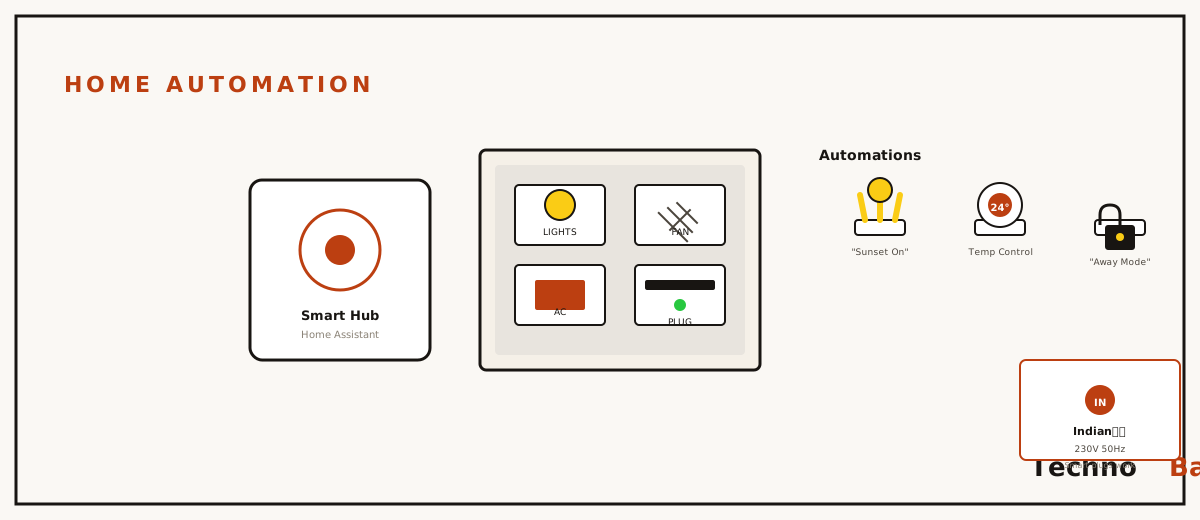
A Sunday evening, three years back. My uncle is sitting in my living room when the lights come on by themselves at sunset. He goes quiet, then asks what the “system” cost me. His guess: ₹50,000. The real answer was one Wipro smart bulb I’d grabbed on sale for ₹449, plus a free app. And honestly, some version of that conversation still happens almost every month, because most people here picture home automation as imported hubs, an electrician tearing open the walls, and lakhs gone. That picture is just old. I’ve kitted out most of my Patna flat over three years, bit by bit, mostly with stuff bought during Flipkart and Amazon sales, and I want to walk you through the sane way to begin.
what this actually looks like in a normal flat
Ignore the YouTube tours of California villas. In a regular 2BHK here, automation is a few down-to-earth things. Lights that come on at sunset, or when you walk in. A geyser that warms the water twenty minutes before your alarm. An AC that cools the bedroom while you’re still on the bike home. And a plug that quietly tells you how much your fridge is really pulling. That last one, honestly, gets weirdly addictive once you start seeing the actual numbers.
And no, none of it needs rewiring. Smart bulbs screw into the B22 holders you already have, the standard Indian bayonet fitting. Smart plugs just sit between the appliance and the wall socket. If you want to go deeper later, smart switch modules tuck behind your existing switchboard, but that’s a step for month six, not week one.
the ₹2,000 starter kit i’d actually buy
Here’s the honest floor, enough to feel real automation and not just a party trick. These are rough street prices in 2026. Sale prices drop well under them.
| Item | Approx. price | Why it matters |
|---|---|---|
| Wipro or Syska 9W smart bulb (B22) | ₹400–600 | Schedules, colours, voice control, works on existing holder |
| Wipro 10A smart plug | ₹700–900 | Automates geyser, kettle, or lamp; many show energy usage |
| Amazon Echo Dot or Google Nest Mini (on sale) | ₹1,800–2,500 | Voice control plus routines; optional but very convenient |
If ₹2,000 feels like too much just to test the idea, buy one bulb. That’s it. The Mi (Xiaomi) bulbs are solid too, and often the cheapest with full colour. What I’d skip is the no-name ₹250 bulb from some random marketplace seller. Those apps tend to get abandoned by the seller inside a year, and the Wi-Fi pairing is a misery. Trust me on this.
wi-fi, zigbee, or bluetooth, and why boring wi-fi wins first
The enthusiast forums will nudge you toward Zigbee or Thread gear with a dedicated hub. They’re right about the long-term payoff. They’re wrong about where a beginner should plant their feet. Almost every budget smart device sold in India is plain 2.4GHz Wi-Fi. Your Jio or Airtel router already talks it, there’s no hub to buy, and setup is a five-minute pairing in the app.
One technical gotcha though. Most of these devices flat-out refuse to pair on 5GHz Wi-Fi. If your router broadcasts one combined network name, pairing can fail in a way that makes no sense at all. So log into the router and temporarily split off the 2.4GHz band, or just pair while standing far enough away that only 2.4GHz reaches you. Honestly, this one tip would’ve saved me two annoyed evenings back in 2023.
Once you cross roughly fifteen Wi-Fi devices, or you start worrying about privacy and cloud outages, that’s the point where a local Zigbee setup earns its keep. I wrote up that whole route in my Home Assistant for Indian homes piece, and it slots in nicely with a Raspberry Pi if you’ve already gone through my Raspberry Pi 5 projects guide.
alexa or google home in india
Both work fine here. And both Echo and Nest speakers follow Indian English accents way better than they did five years ago. Alexa’s got slightly wider support among Indian brands, though, almost every box from Wipro and Syska says “Works with Alexa” right on it, and so do Halonix and Qubo. Google Home is closing the gap, and its routines screen is cleaner to my eye. Hindi and Hinglish commands are recognised by both. In my own testing, the mixed-language stuff just gets handled a touch more smoothly by Alexa.
So my honest advice: grab whichever speaker is cheaper in the next sale. The bulbs and plugs themselves play nice with either one. The brand apps (Wipro Smart Home, Mi Home, Syska Smart Home) do the real device setup. The speaker just adds voice and routines on top, sort of like a remote you talk to.
automations worth doing in your first week
sunset lights
Every app does a sunset trigger off your city’s location. Mine flips the balcony and living room bulbs on at sunset, 40% warm white. Guests always notice it. Cost me nothing extra to set up.
a geyser schedule with a hard off
A smart plug rated 16A (check this, geysers pull serious current, a 10A plug is meant for smaller loads) switches my geyser on at 5:40 AM. More importantly, it kills it at 7:30 AM no matter what. Left running all day in an Indian home, a geyser is both a fat electricity bill and a real safety worry. This single automation earns back the plug’s cost in a few months.
the “everything off” command
One Alexa routine, “good night,” shuts off every smart light and the TV plug at once. Picture lying in bed in June with the fan going, and not having to drag yourself up to kill the hall light. That’s usually the moment a family stops treating any of this like a toy.
the power cut problem nobody warns you about
This is the most Indian part of the whole guide. Power cuts do two irritating things to a smart home. First one: when the supply comes back, most smart bulbs default to switching ON at full brightness. So a 2 AM outage in summer means the whole house lights up at 3 AM the second power returns. Good news though. A “power-on behaviour” or “restore last state” toggle is buried somewhere in device settings on nearly all Wipro and Mi bulbs, and on most Tuya-based ones too. Flip it to “remember last state” on day one and you’re sorted.
Second thing, and this one’s sneakier: your automations just die if the router is down. If your place runs on an inverter, move the router (and any hub) onto the inverter line. A router sips maybe 10–15 watts, basically a rounding error for any inverter already pushing fans. Keep it alive through a cut and your scheduled cloud automations still fire, while the bulbs on the inverter line keep answering. Mine, together with the ONT and the Pi, pull under 25W off the inverter and ride out every outage.
about privacy and the cloud
Budget Wi-Fi devices phone home to cloud servers, mostly Tuya’s, and the brand apps ask for a fistful of permissions. For bulbs and plugs at the starting stage, I think that’s a fair trade. What gets sent is mostly just on/off events anyway. Where I draw a hard line is cheap Wi-Fi cameras pointed inside the house. If you want indoor cameras, either pick a vendor with a clear local-storage mode, or wait until you can run them fully on your own network. Choking off all that smart-device phone-home chatter is a nice bonus of network-level filtering too, which I went through in the Pi-hole setup guide.
mistakes people keep making
- Buying ten devices in one go. Start with one or two, learn their quirks, then grow during the next sale.
- Sticking a geyser or a 1.5-ton AC on a 10A plug. Heavy appliances need a 16A-rated smart plug, or a proper smart switch module.
- Skipping the power-on behaviour setting, then getting floodlit at 3 AM after an outage.
- Mixing five brands early and ending up juggling five apps. Two brands max, until you graduate to one unified local hub.
- Letting someone flip the wall switch off. A smart bulb with no power is just a dead bulb, so train the household, or tape over the switch.
FAQ
do smart bulbs push up my electricity bill?
Barely, and usually it goes the other way. A smart bulb sitting in standby draws under half a watt, call it ₹3–5 a month at typical Indian tariffs. Meanwhile the schedules and auto-off routines stop lights and geysers from burning power for hours while nobody’s watching, which saves you a lot more than that standby sip ever costs.
does everything die if my internet drops?
Manual control from the app on the same Wi-Fi often still works, and the physical wall switch always works as a plain on/off. The internet is only needed for cloud automations and voice. If that nags at you, a local controller like Home Assistant pretty much removes the cloud dependency.
is wipro better than mi or syska for bulbs?
Closer than the marketing wants you to believe. Under the hood, most of them run similar Tuya-based internals. Wipro and Syska have wider offline service networks across India. Mi bulbs tend to have slightly nicer colour rendering. Just buy whichever lands the best sale price with at least a one-year warranty.
can i use this stuff in a rented flat?
Yes. Renters are honestly exactly who bulbs and plugs were designed for. Nothing gets wired in, nothing about the flat changes, and the whole kit packs into a shoebox when you move. Landlord-level buy-in is only needed for the behind-the-switchboard modules.
Buy one bulb this week, set a single sunset schedule, and just live with it for a month before you spend another rupee. I’m still working out where my own setup goes from here, so ask me again in a year. But this much I’m fairly sure of: automation done in small honest steps tends to stick, while the ₹50,000 impulse buy mostly turns into a drawer of dead gadgets.
Join the discussion